


Implementing lightweight WebGL in landing pages offers an incredible way to captivate website visitors with stunning interactive visuals today. For a long time, web developers hesitated to use complex 3D graphics on marketing pages due to heavy file sizes and slow rendering speeds.
However, forcing visitors to wait for massive graphic assets often causes high bounce rates, frustrating users before they even read your headline. Modern lightweight WebGL frameworks solve this performance issue by rendering smooth, hardware-accelerated 3D animations directly in the browser with minimal code footprint.
By stripping away heavy rendering pipelines and focusing on optimized shaders, you can deliver fluid interactive graphics that load almost instantly across all devices. Adding subtle 3D elements, real-time particle effects, or interactive product previews instantly transforms static pages into immersive digital experiences for every user.
These dynamic visual upgrades keep potential customers engaged longer, giving your brand a modern edge while guiding visitors smoothly toward your primary offers.
Embracing lightweight WebGL strategies empowers web designers to build cutting-edge interfaces that deliver maximum visual impact without sacrificing technical performance. Upgrading your marketing storefronts with fast, responsive 3D graphics sets a strong foundation for higher user engagement early in your visitor journey.
It creates a seamless visual environment that works continuously to hold viewer attention, simplify product demonstrations, and elevate overall customer satisfaction.
A. Select Lightweight Rendering Frameworks To Reduce Initial Script Bloat
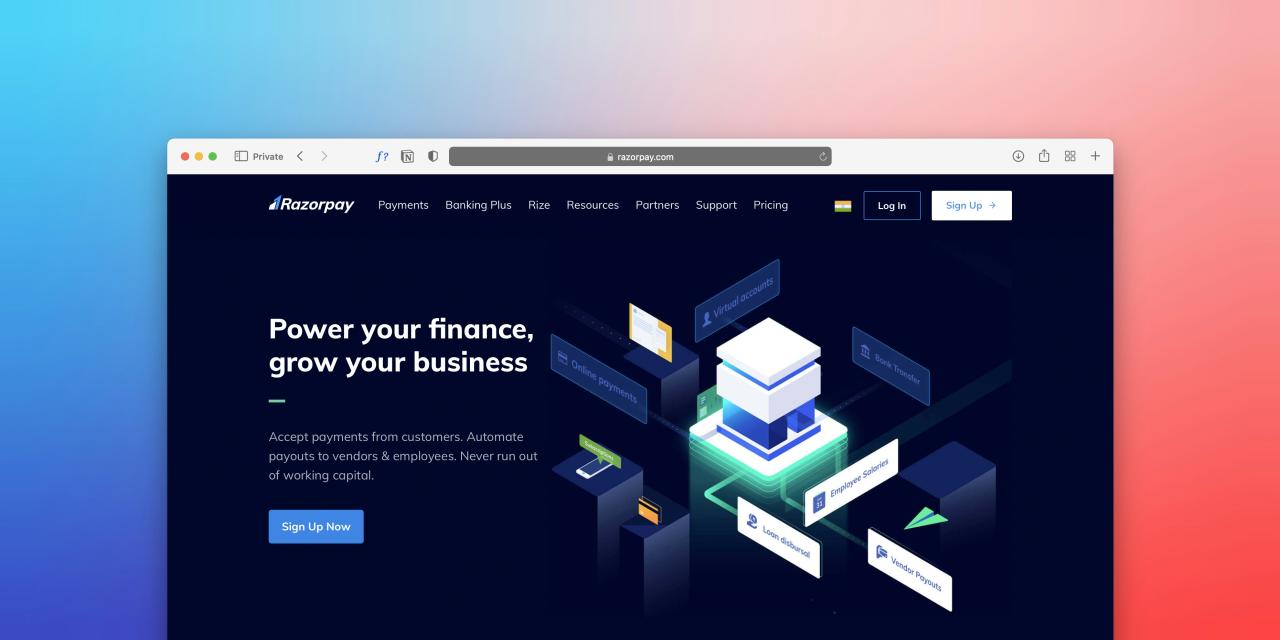
Selecting lightweight WebGL rendering libraries allows web developers to build interactive 3D scenes without bundling massive framework files into their landing pages. Importing heavy 3D rendering engines introduces unnecessary file overhead, which slows down initial page rendering speeds on mobile devices dramatically.
Using minimal WebGL libraries or native shader scripts provides essential rendering capabilities while keeping total JavaScript bundle sizes remarkably small. Lightweight graphics frameworks give you direct control over memory usage, rendering loops, and asset pipelines without hidden computational overhead.
Ditching bloated 3D libraries streamlines your application codebase, ensuring your marketing pages load rapidly while maintaining smooth graphic performance.
Developers often struggle with slow page loading times because traditional 3D graphics frameworks bundle megabytes of unused rendering utilities.
From my perspective, you can easily eliminate heavy script bloat by choosing micro-libraries or custom shader setups over full-scale 3D engines. Loading lightweight graphic scripts speeds up browser parsing times significantly, allowing interactive elements to display instantly on visitor screens.
This minimal framework strategy solves your asset loading struggles completely, delivering a fast, responsive 3D interface that runs smoothly everywhere. It ensures your web page stays agile and responsive, keeping visitors engaged without making them wait for heavy downloads.
B. Compress Graphic Assets To Guarantee Fast Mobile Rendering Speeds
Compressing 3D models and texture files guarantees that complex visual assets stream smoothly across mobile cellular networks without buffering delays. Uncompressed 3D mesh files and massive image textures consume heavy network bandwidth, causing blank canvas screens and laggy page loads.
Utilizing modern compressed file formats like Draco mesh compression and basis universal textures drastically reduces asset sizes without degrading visual fidelity. Implementing geometry compression allows browser engines to decode and display 3D product models in a fraction of the traditional time.
Optimizing your graphic pipeline ensures your interactive 3D landing page loads fast, keeping mobile users engaged from the moment they arrive.
Mobile users routinely abandon interactive websites when uncompressed 3D graphics take more than a few seconds to load on screen.
I observe that you can smoothly resolve mobile asset delays by converting heavy 3D files into Draco-compressed formats with optimized texture maps. Shrinking file sizes drastically cuts download times on slow mobile data connections, displaying interactive graphics almost instantaneously for every user.
This asset compression workflow solves your mobile drop-off issues perfectly, giving smartphone visitors a fast, seamless 3D viewing experience. It provides an efficient technical foundation that keeps your marketing content accessible and visually captivating across all device types.
C. Optimize Custom Shader Pipelines To Lower Hardware Memory Usage
Optimizing custom shader programs lowers graphics processing unit consumption, preventing mobile smartphones from overheating or draining battery life quickly during visits.
Complex lighting calculations and heavy post-processing effects overload mobile processors, causing sudden frame rate drops and laggy page scrolling. Writing custom, low-complexity vertex and fragment shaders allows you to create impressive visual effects using simple mathematical formulas instead of heavy geometry.
Keeping shader code clean and focused on essential visual elements conserves system memory and maintains high rendering frame rates continuously. Streamlining shader calculations ensures your landing page graphics run cool, fast, and remarkably smooth across every hardware configuration.
Visitors frequently experience choppy page scrolling and phone overheating when unoptimized WebGL shaders overwhelm mobile graphics hardware during browsing.
The truth is that replacing heavy post-processing filters with simple, custom fragment shaders keeps your GPU running efficiently at high frame rates. Eliminating complex real-time lighting calculations maintains cool processor temperatures while preserving beautiful visual motion for site visitors.
This shader optimization technique solves your hardware performance hurdles beautifully, creating a buttery-smooth graphic experience that feels light and responsive. It delivers a gentle rendering environment that respects user device battery life while showcasing your products in style.
D. Implement Adaptive Level Of Detail To Preserve Smooth Frame Rates
Implementing adaptive level-of-detail systems ensures your WebGL canvas adjusts graphic complexity automatically based on the hardware capability of each visitor device. Forcing high-polygon 3D models onto low-end smartphones causes severe browser lag, ruining the overall user experience for budget device owners.
Smart level-of-detail setups detect device performance on the fly, rendering simplified geometry and smaller textures for slower hardware hardware profiles. Scaling graphic fidelity dynamically maintains a consistent sixty frames per second across both premium desktop setups and entry-level mobile phones.
Tailoring graphic quality to individual device capabilities protects your user journey, keeping interactions fast, fluid, and enjoyable for all.
Web layouts frequently stutter or crash entirely on budget smartphones when rendering high-polygon 3D graphics built for powerful desktop computers.
I believe that adding dynamic performance scaling to your WebGL scripts solves frame rate drops by adjusting model detail to match device speed. Serving simplified 3D meshes to low-end mobile hardware guarantees smooth animations without sacrificing the core visual concept of your page.
This adaptive rendering approach solves your device compatibility challenges completely, making your interactive 3D content look great on every screen size. It establishes an inclusive digital environment that delivers consistent, high-speed performance no matter what device your visitors use.
E. Restrict Active Animation Loops To Conserve System Battery Life
Restricting active WebGL rendering loops to trigger only when the canvas element sits within the active screen viewport saves battery power. Running continuous 3D rendering loops in the background drains mobile device battery life and consumes CPU resources even when users scroll past graphics.
Using intersection observers allows your script to pause rendering loops completely whenever the 3D canvas scrolls out of view. Waking up rendering animations only during active user interaction or scrolling prevents unnecessary hardware drain across long landing page visits.
Managing your animation loops smartly keeps system resources free for smooth page scrolling and fast text rendering continuously.
Mobile browsers often slow down significantly when background WebGL loops continue rendering complex 3D scenes that sit completely off screen.
You can easily fix background resource drain by using an intersection observer to pause your WebGL rendering loop whenever it leaves the screen. Halting off-screen animations frees up device memory instantly, ensuring visitors enjoy smooth, uninterrupted scrolling as they read your content down the page.
This loop management strategy solves your browser slowdown problems completely, giving smartphone users an ultra-responsive browsing experience from top to bottom. It provides an intelligent performance upgrade that keeps your website running fast, efficiently, and with total stability.
Conclusion
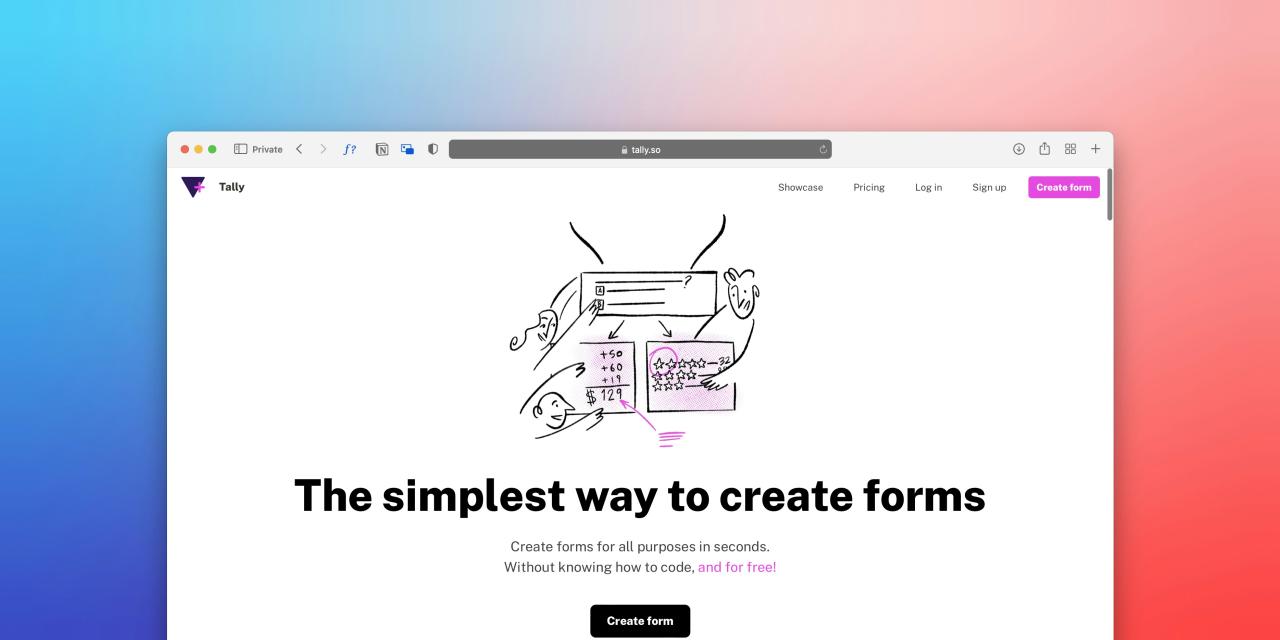
Implementing lightweight WebGL in landing pages provides the ultimate framework for delivering fast, immersive, and high-converting web experiences today. This modern graphics approach removes performance barriers by replacing heavy 3D rendering engines with streamlined, highly optimized shader pipelines.
You can build exceptionally fast and visually stunning landing pages with total confidence by adopting these lightweight WebGL strategies. Selecting lightweight rendering frameworks eliminates script bloat, ensuring your marketing pages load rapidly across all mobile and desktop browsers.
Compressing 3D graphic assets drastically cuts download times, delivering instant interactive visuals to smartphone users on variable cellular networks. Trust these streamlined graphic tools to keep your application lightweight while delivering unforgettable visual experiences to every visitor.
Optimizing custom shader pipelines lowers hardware memory usage, preventing mobile device overheating while maintaining buttery-smooth rendering frame rates always. Adaptive level-of-detail systems scale graphic fidelity dynamically, guaranteeing a responsive experience across low-end and high-end hardware alike.
Restricting active animation loops to visible viewports conserves system battery life, ensuring smooth page scrolling throughout the user journey. Executing these lightweight WebGL principles transforms your web interface, delivering an engaging digital product that performs flawlessly everywhere.