

Crafting immersive content through dynamic scrolling gives digital creators an extraordinary way to captivate website visitors immediately upon entry. For a long time, traditional websites relied on flat, static text blocks and boring visual layouts to deliver information to online readers.
However, presenting uninspired static content often leads to quick user drop-offs, as modern audiences expect active, engaging web experiences. Dynamic scrolling solves this engagement problem by transforming passive reading into an interactive journey through motion, parallax depth, and responsive triggers.
Modern web animation technologies allow designers to unroll narrative visual elements fluidly without slowing down page rendering speeds or causing visual confusion. Integrating dynamic movement directly into your page layout catches visual focus instantly, guiding reader attention toward core value propositions effortlessly.
By combining fluid scrolling mechanics with sound design principles, you turn generic article pages into powerful, memorable brand storytelling devices. Forward-thinking digital agencies actively adopt interactive scrolling features to build distinctive web products that stand out in crowded online markets.
Upgrading your content layout with scroll-driven movement creates a lively visual environment early in your reader journey. It builds a sleek, responsive digital infrastructure that works continuously to hold viewer interest, clarify complex ideas, and elevate overall user satisfaction.
A. Apply Smooth Parallax Effects To Build Rich Spatial Depth
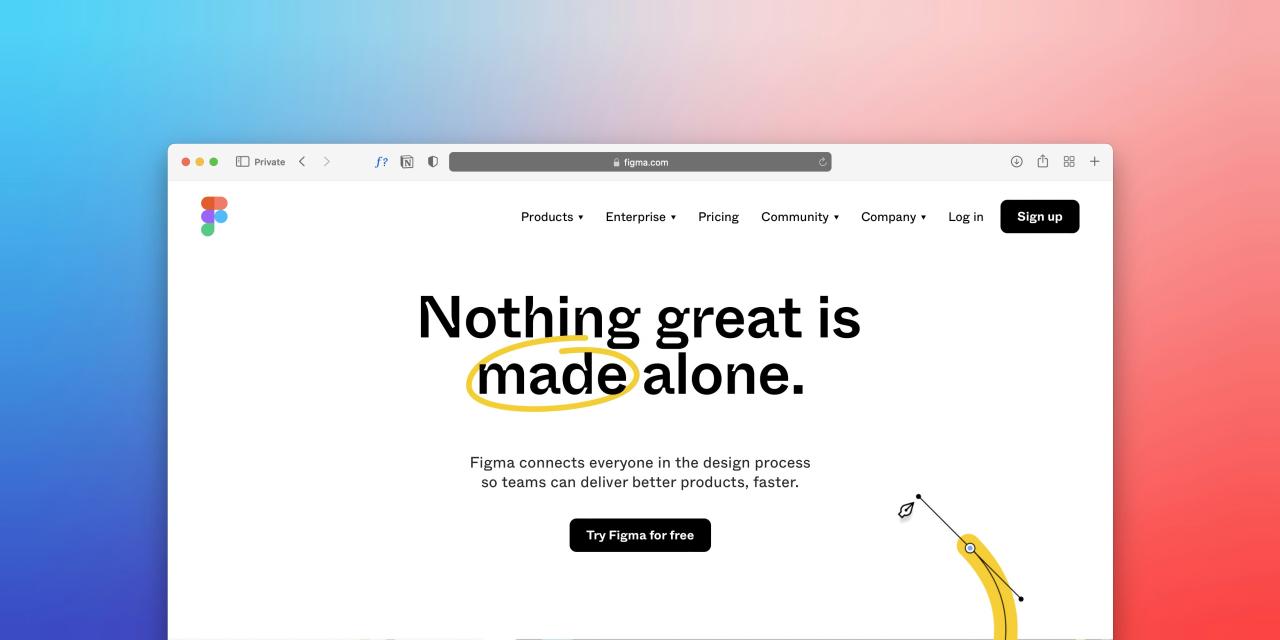
Applying smooth parallax scrolling effects allows web designers to move background imagery and foreground text at varying speeds across the screen. Moving background elements slightly slower than foreground content creates an immediate illusion of three-dimensional physical depth within standard browser windows.
Traditional flat pages often fail to create visual hierarchy, making it hard for readers to differentiate primary content from secondary background graphics. Utilizing lightweight CSS parallax properties creates a subtle cinematic feel that draws viewer eyes straight toward key headlines and product showcases.
Embracing dynamic spatial layering elevates standard reading tasks, making your website feel modern, touchable, and deeply engaging across all display screens.
Content creators frequently struggle with high bounce rates when flat, single-layer landing pages fail to create spatial depth or hold reader visual interest.
From my perspective, you can easily eliminate visual boredom by adding subtle parallax layer movement between your background graphics and main body text. Moving background textures at a slower rate than text cards creates instant spatial separation that makes your content pop off the screen.
This parallax scrolling technique solves your layout engagement struggles completely, delivering an eye-catching reading experience that keeps visitors scrolling naturally. It provides a refined visual foundation that allows your storytelling to feel alive, modern, and thoroughly high-end.
B. Integrate Scroll Triggered Animations To Control Narrative Pacing
Integrating scroll-triggered animations enables visual elements, images, and text cards to fade, slide, or reveal themselves gradually as readers move down the page. Dumping full walls of text on screen all at once often overwhelms readers, causing them to skim past critical information quickly.
Tying visual animation triggers directly to user scroll position ensures visitors consume your content in a deliberate, step-by-step sequential order. Revealing narrative key points line by line builds natural curiosity, encouraging users to keep scrolling deeper through your layout to discover more.
Utilizing controlled scroll reveals transforms passive content consumption into an active, interactive visual journey that keeps audience attention focused continuously.
Online readers routinely abandon long articles when dense text blocks present all information at once without clear visual pacing or interactive structure.
I observe that you can smoothly resolve reader skimming by tying image reveals and text entrances directly to user scroll progress using native observers. Unfolding your core message sequentially keeps visitors focused on one clear idea at a time as they navigate your layout.
This scroll reveal strategy solves your content retention challenges perfectly, guiding reader focus through your narrative structure effortlessly. It delivers an intentional storytelling flow that transforms standard written content into an exciting visual showcase.
C. Utilize Sticky Content Containers To Highlight Core Takeaways
Utilizing sticky positioning for key summary boxes or visual graphics keeps primary takeaways pinned on screen while supporting text scrolls by smoothly alongside. Static long-form articles often force readers to scroll back up continuously to reference key data points or visual product diagrams.
Programming secondary reference cards to lock into place temporarily allows users to read detailed paragraphs without losing sight of context. Keeping essential takeaways visible on screen reduces reader cognitive load, making complex topics easier to understand and digest completely.
Implementing sticky layout mechanics creates an intuitive reading workspace, helping visitors retain core information effortlessly as they navigate your long-form content.
Readers often lose track of key facts when long detailed articles force them to scroll away from primary reference images or summary points.
The truth is that locking summary boxes in place with CSS sticky properties keeps essential takeaways visible while readers navigate long text sections. Pinning reference graphics alongside moving paragraphs provides immediate context, helping users process complex information without getting lost or confused.
This sticky container tweak solves your readability and context problems beautifully, giving your layout an organized, user-friendly structure. It delivers an effective presentation layout that improves reading comprehension and keeps your audience engaged from start to finish.
D. Layer Interactive Progress Indicators To Encourage Deeper Reading
Layering subtle scroll progress indicators across background boundaries or top navigation bars gives readers clear visual feedback regarding their position within long articles. Unclear article lengths often create reading anxiety, causing visitors to leave early if they cannot gauge how much content remains ahead.
Integrating slender, color-accented progress bars or floating section trackers lets users monitor their reading journey at a single glance. Providing visual milestone feedback creates a rewarding sense of progress, motivating readers to complete entire long-form guides instead of dropping off midway.
Constructing clear visual navigation anchors enhances user satisfaction, making long-form content feel manageable, structured, and pleasant to explore completely.
Visitors frequently exit long-form web pages early when unpredictable article lengths leave them feeling unsure about total reading time.
I believe that placing a slender progress bar across the top of your page gives readers instant visual feedback on their exact reading location. Showing clear milestone progress removes time uncertainty, motivating visitors to keep scrolling through your article until they reach the final conclusion.
This visual progress method solves your article completion worries completely, building a transparent reading environment that users genuinely appreciate. It provides a simple design upgrade that increases reader retention and keeps users scrolling with complete confidence.
E. Optimize Scrolling Script Performance To Ensure Silky Mobile Motion
Optimizing scrolling animation scripts guarantees that dynamic visual effects execute smoothly without causing frame rate drops or jittery page scrolling on budget smartphones.
Overloading web pages with heavy JavaScript libraries and uncompressed background assets can strain mobile graphics processors and drain user battery life rapidly. Utilizing native browser CSS animation properties and GPU hardware acceleration keeps page scrolling lightweight, fast, and remarkably responsive across all screen sizes.
Disabling non-essential heavy animation layers on mobile devices ensures that touchscreen users enjoy crisp, lag-free navigation without experiencing frustrating delays.
Prioritizing performance engineering protects user experience, proving that expressive dynamic scrolling can exist alongside lightning-fast page loading speeds everywhere.
Mobile users quickly abandon interactive web pages when heavy scroll animation scripts cause lag, choppy scrolling, and battery drain on smartphones.
You can easily fix mobile scroll lag by leveraging native CSS animations and offloading heavy movement calculations directly onto the GPU. Restricting complex scroll triggers on small mobile screens ensures that touch navigation remains buttery-smooth and responsive across all device hardware.
This performance optimization policy solves your mobile speed worries completely, keeping your website fast, clean, and enjoyable to read everywhere. It demonstrates smart technical care that protects device performance while delivering a rich, dynamic reading experience to every visitor.
Conclusion

Crafting immersive content through dynamic scrolling provides the ultimate framework for delivering fast, engaging, and highly memorable web experiences today. This interactive storytelling approach removes visual boredom by replacing static text blocks with fluid parallax depth, scroll reveals, and responsive layout triggers.
You can build exceptionally creative, user-friendly, and visually captivating content layouts with total confidence by adopting these dynamic scrolling workflows. Applying smooth parallax effects creates rich spatial depth, ensuring key headlines and product showcases pop off flat background canvases naturally.
Integrating scroll-triggered animations controls narrative pacing, helping readers digest core brand messaging sequentially without feeling overwhelmed by long text blocks. Trust these dynamic scrolling tools to elevate your content presentation while keeping your landing page fast and responsive.
Utilizing sticky content containers keeps primary summary points pinned on screen, helping readers retain key context while browsing detailed paragraphs. Layering interactive progress indicators provides clear visual feedback, motivating visitors to read through long-form articles from start to finish complete.
Optimizing scrolling script performance safeguards mobile frame rates, ensuring your dynamic web pages scroll smoothly across all smartphone displays. Executing these dynamic scrolling strategies transforms your digital platform, producing an outstanding content product that performs flawlessly everywhere.